
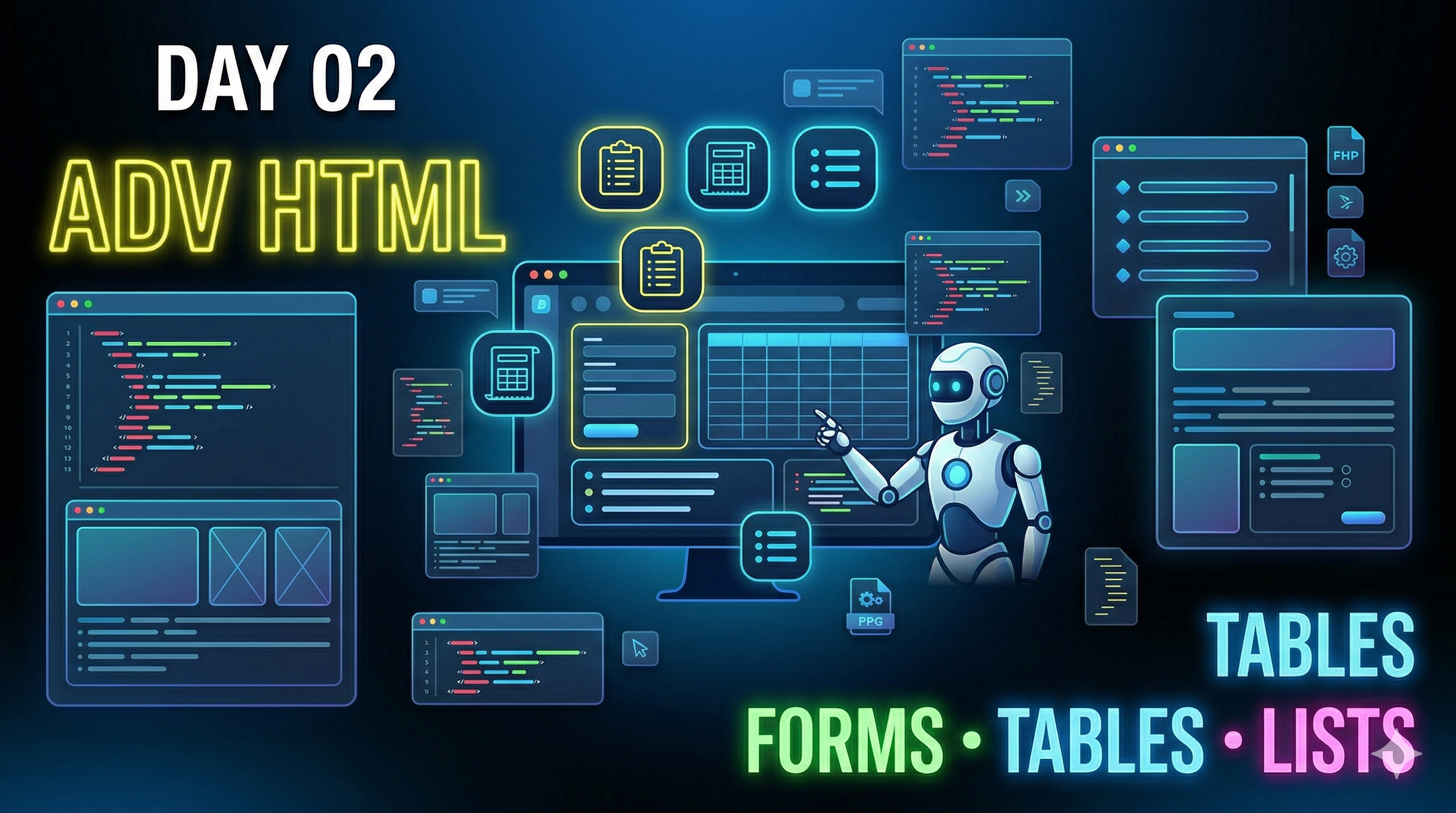
आज आप क्या सीखेंगे?
- Forms कैसे बनाते हैं (Login, Signup)
- Lists कैसे use होते हैं
- Tables में data कैसे दिखाते हैं
- Real वेबसाइट जैसा layout कैसे बनता है
HTML Lists
Ordered List (Numbers)
<ol>
  <li>HTML</li>
  <li>CSS</li>
  <li>JavaScript</li>
</ol>
Unordered List (Bullets)
<ul>
  <li>Frontend</li>
  <li>Backend</li>
  <li>Database</li>
</ul>
HTML Tables
Tables का use structured data दिखाने के लिए होता है।
<table border="1">
  <tr>
    <th>Name</th>
    <th>Course</th>
  </tr>
  <tr>
    <td>Shobhit</td>
    <td>Web Dev</td>
  </tr>
</table>- Student data
- Product listing
- Reports
HTML Forms
Forms का use user input लेने के लिए होता है।
<form>
  <label>Name:</label>
  <input type="text" placeholder="Enter your name"><br><br>

  <label>Email:</label>
  <input type="email" placeholder="Enter email"><br><br>

  <label>Password:</label>
  <input type="password"><br><br>

  <button>Submit</button>
</form>| Type | Use |
|---|---|
| text | Name |
| password | Password |
| number | Phone |
| date | DOB |
Real-World Layout
अब हम basic layout बनाएंगे जैसे real website में होता है।
<!DOCTYPE html>
<html>
<head>
  <title>My Website</title>
</head>
<body>

  <!-- Header -->
  <header>
    <h1>My Website</h1>
  </header>

  <!-- Navigation -->
  <nav>
    <a href="#">Home</a> |
    <a href="#">About</a> |
    <a href="#">Contact</a>
  </nav>

  <!-- Main Content -->
  <section>
    <h2>Welcome</h2>
    <p>This is my website layout.</p>
  </section>

  <!-- Form -->
  <section>
    <h2>Contact Form</h2>
    <form>
      <input type="text" placeholder="Name"><br><br>
      <input type="email" placeholder="Email"><br><br>
      <button>Send</button>
    </form>
  </section>

  <!-- Footer -->
  <footer>
    <p>© 2026 My Website</p>
  </footer>

</body>
</html>
Mini Project
एक simple website बनाओ जिसमें:
- Navigation menu
- Course list
- Table
- Contact form
Challenge: Image, links, और extra form fields add करो।
Pro Tips
- Forms = real apps की backbone
- Tables = data display
- Layout = UI structure
Day 02 Summary
- Lists
- Tables
- Forms
- Real-world layout
Next (Day 03)
CSS basics, colors, fonts, और styling सीखेंगे।
Call to Action
Comment / note करो: \"Day 02 Done ✅\"
Next lecture चाहिए? Type: \"Day 03\"