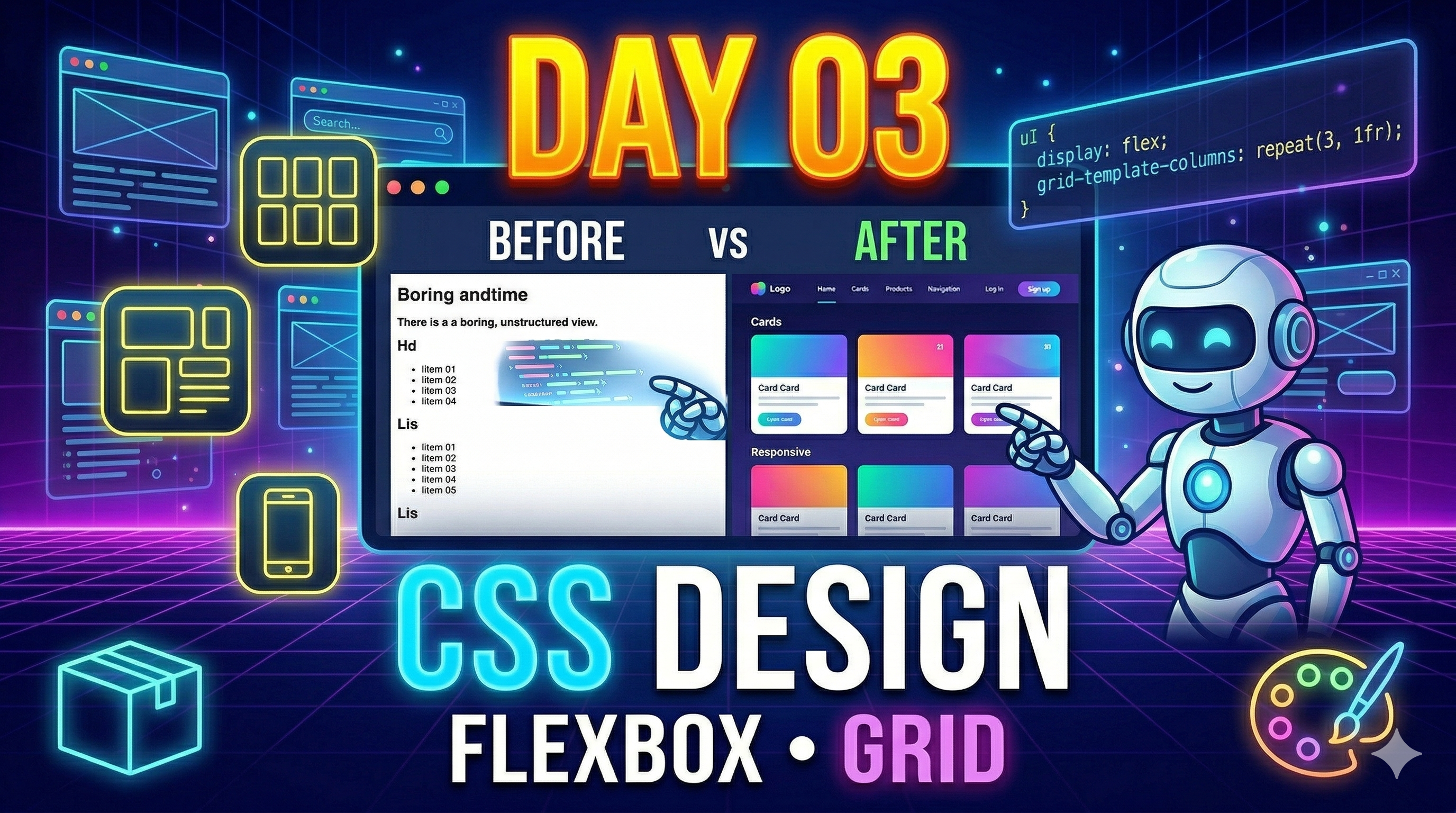
आज आप क्या सीखेंगे?
- CSS क्या है?
- Colors, Fonts, Styling
- Flexbox (Layout control)
- Grid (Advanced layout)
- Responsive Design (Mobile friendly)
- Landing Page बनाना
CSS क्या है?
CSS = Cascading Style Sheets. यह HTML को style और design देता है।
Example (Without vs With CSS)
Without CSS
<h1>Hello World</h1>With CSS
<h1 style="color: blue; font-size: 40px;">Hello World</h1>CSS Types
Inline CSS
<p style="color:red;">Hello</p>Internal CSS
<style>
  p { color: green; }
</style>
External CSS (Best Practice)
<link rel="stylesheet" href="style.css">CSS Basics (Must Know)
body {
  background-color: #f4f4f4;
  font-family: Arial;
}

h1 {
  color: blue;
}

button {
  background: orange;
  color: white;
  padding: 10px;
  border: none;
}
Flexbox (Important Layout Tool)
Flexbox items को row या column में align करना आसान बनाता है।
.container {
  display: flex;
  justify-content: space-between;
  align-items: center;
}- Navbar
- Cards
- Layout alignment
CSS Grid (Advanced Layout)
Grid एक 2D layout system है (rows + columns)।
.grid {
  display: grid;
  grid-template-columns: repeat(3, 1fr);
  gap: 10px;
}- Dashboard
- Gallery
- Complex layouts
Responsive Design (Very Important)
Website हर device पर सही दिखनी चाहिए।
@media (max-width: 768px) {
  body {
    background-color: lightblue;
  }
}
Project: Landing Page बनाओ
HTML Code
<!DOCTYPE html>
<html>
<head>
  <title>Landing Page</title>
  <link rel="stylesheet" href="style.css">
</head>
<body>

  <header class="header">
    <h1>My Website</h1>
    <button>Get Started</button>
  </header>

  <section class="hero">
    <h2>Learn Web Development with AI 🚀</h2>
    <p>Build websites faster using smart tools</p>
  </section>

</body>
</html>
CSS Code (style.css)
body {
  margin: 0;
  font-family: Arial;
}

.header {
  display: flex;
  justify-content: space-between;
  padding: 20px;
  background: #222;
  color: white;
}

.hero {
  text-align: center;
  padding: 50px;
}

button {
  background: orange;
  border: none;
  padding: 10px 20px;
  color: white;
  cursor: pointer;
}
Mini Task
इस landing page को improve करो:
- Background image add करो
- Button hover effect add करो
- Mobile responsive बनाओ
Pro Tips
- CSS = design power
- Flexbox = easy layout
- Grid = advanced layout
- Responsive = must skill
Day 03 Summary
- CSS basics
- Flexbox & Grid
- Responsive design
- Landing page बनाना
Next (Day 04)
Advanced CSS, animations, hover effects, और modern UI design सीखेंगे।
Call to Action
Comment / note करो: \"Day 03 Done ✅\"
Next lecture चाहिए? Type: \"Day 04\"