
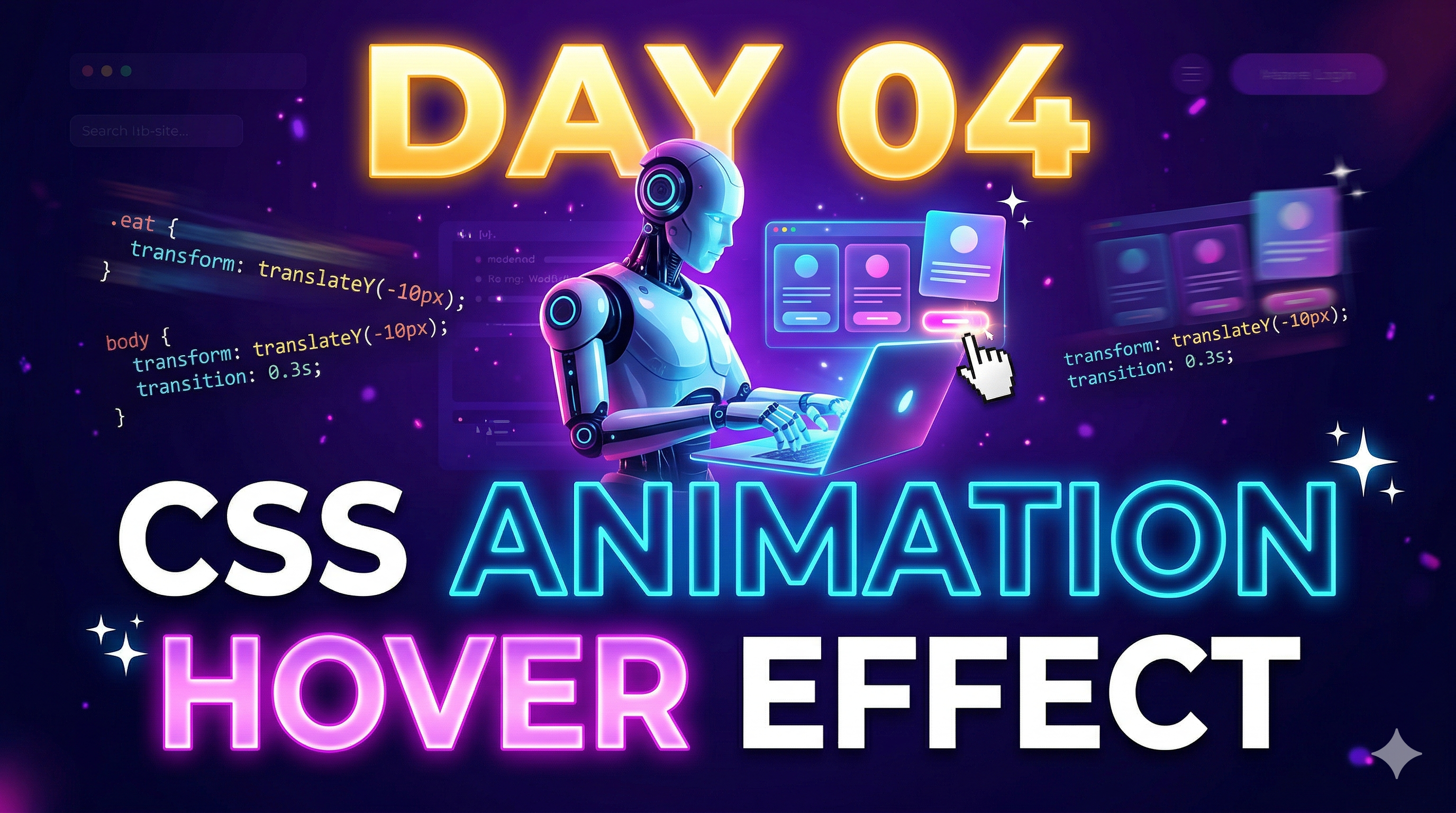
CSS Animations
Animations website को dynamic और engaging बनाते हैं।
@keyframes fadeIn {
  from { opacity: 0; }
  to { opacity: 1; }
}

.box {
  animation: fadeIn 2s ease-in;
}
Hover Effects
Hover effects से UI interactive बनता है।
button {
  background: orange;
  transition: 0.3s;
}

button:hover {
  background: red;
  transform: scale(1.1);
}
Modern UI Design
- Soft shadows
- Rounded corners
- Spacing
- Clean layout
Card Design Example
.card {
  padding: 20px;
  border-radius: 10px;
  box-shadow: 0 4px 10px rgba(0,0,0,0.1);
  transition: 0.3s;
}

.card:hover {
  transform: translateY(-10px);
}
Gradient & Glass Effect
body {
  background: linear-gradient(to right, #4facfe, #00f2fe);
}
Mini Task
- Animation add करो
- Hover effect add करो
- Modern UI बनाओ
Day 04 Summary
- Animations
- Hover Effects
- Modern UI
🔥Next (Day 05)
👉 हम सीखेंगे:
Call to Action
Comment: Day 05 Done ✅