
Introduction
In the previous lecture, we learned Advanced CSS, Hover Effects, Transitions, Animations, and Modern UI Design. These concepts help make websites look professional and visually attractive.
Now it is time to apply those skills in a real-world mini project.
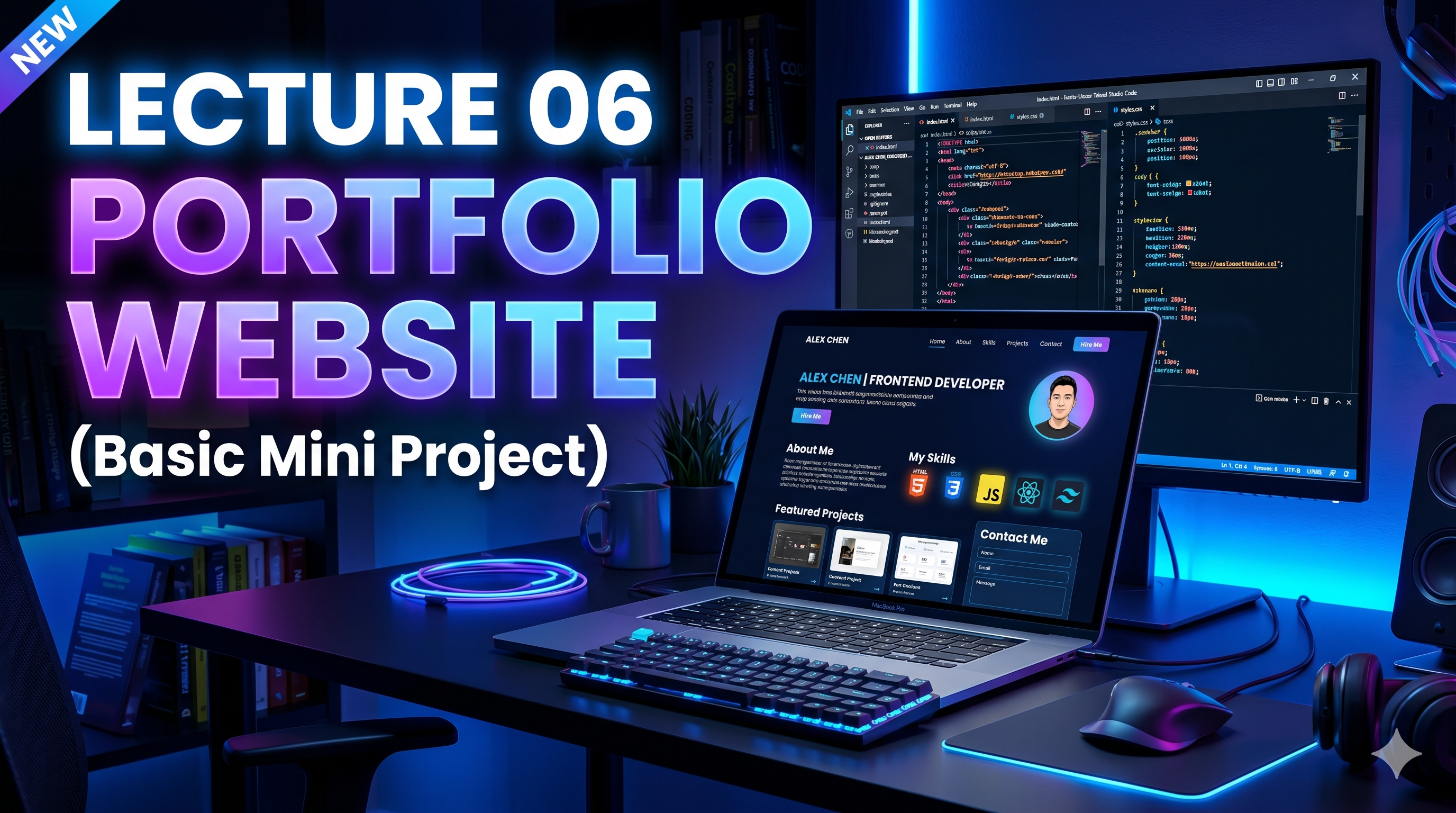
Today we will build your first professional frontend project: a Portfolio Website (Basic).
What You Will Learn
- Structure of a Portfolio Website
- Hero Section
- About Section
- Skills Section
- Projects Section
- Contact Section
- Basic Responsive Layout
- Professional UI Design
Why Portfolio Website is Important
Your portfolio website acts like your digital resume.
It helps recruiters and clients understand:
- who you are
- what skills you have
- what projects you built
- how they can contact you
A strong portfolio increases your chances of getting:
- internships
- freelance projects
- jobs
- clients
This is why every frontend developer must build one.
Sections of a Basic Portfolio Website
1. Hero Section
This is the first section users see.
It includes:
- your name
- your role
- short introduction
- call-to-action button
Example:
Hi, I'm Shobhit — Frontend Developer
2. About Section
This section introduces you professionally.
It explains:
- your background
- your learning journey
- your goals
- your technical interests
3. Skills Section
This section displays your technical skills.
Example:
- HTML
- CSS
- JavaScript
- React
- GitHub
- Responsive Design
4. Projects Section
This section shows the projects you have created.
Example:
- Landing Page
- To-Do App
- Calculator
- Weather App
- Portfolio Website
5. Contact Section
This helps people reach you.
Include:
- GitHub
- phone (optional)
Mini Project – Portfolio Website
Now let's build the project.
HTML Code
<!DOCTYPE html>
<html lang="en">
<head>
    <meta charset="UTF-8">
    <meta name="viewport" content="width=device-width, initial-scale=1.0">
    <title>My Portfolio</title>
    <link rel="stylesheet" href="style.css">
</head>
<body>

    <header class="hero">
        <h1>Hi, I'm Shobhit</h1>
        <p>Frontend Developer | Web Designer</p>
        <button>Hire Me</button>
    </header>

    <section class="about">
        <h2>About Me</h2>
        <p>
            I am a passionate frontend developer learning modern web development.
            I love creating beautiful and responsive websites.
        </p>
    </section>

    <section class="skills">
        <h2>My Skills</h2>
        <ul>
            <li>HTML</li>
            <li>CSS</li>
            <li>JavaScript</li>
            <li>React</li>
        </ul>
    </section>

    <section class="projects">
        <h2>My Projects</h2>
        <p>Portfolio Website, To-Do App, Calculator, Landing Page</p>
    </section>

    <section class="contact">
        <h2>Contact Me</h2>
        <p>Email: yourname@gmail.com</p>
    </section>

</body>
</html>
CSS Code
* {
    margin: 0;
    padding: 0;
    box-sizing: border-box;
}

body {
    font-family: Arial, sans-serif;
    line-height: 1.6;
    background: #f8f9fa;
    color: #222;
}

.hero {
    text-align: center;
    padding: 80px 20px;
    background: #111;
    color: white;
}

.hero button {
    margin-top: 20px;
    padding: 12px 24px;
    border: none;
    background: #007bff;
    color: white;
    border-radius: 8px;
    cursor: pointer;
    transition: 0.3s;
}

.hero button:hover {
    background: #0056b3;
}

section {
    padding: 50px 20px;
    text-align: center;
}

.skills ul {
    list-style: none;
    margin-top: 20px;
}

.skills li {
    margin: 10px 0;
    font-weight: bold;
}
Project Result
Your basic portfolio website will have:
- clean hero section
- professional introduction
- skill showcase
- projects overview
- contact section
This becomes your first serious portfolio project.
Real Industry Usage
Portfolio websites are used by:
- developers
- designers
- freelancers
- agencies
- creators
- marketers
Even big companies check your portfolio before interviews.
A strong portfolio creates a strong first impression.
AI Prompt for Today
Use this prompt in ChatGPT:
Create a professional beginner-friendly portfolio website using HTML and CSS with modern UI design
This helps you generate better layouts and improve faster.
Homework Assignment
Create your own:
Personal Portfolio Website
Include:
- your real name
- your own skills
- your real projects
- GitHub profile link
- LinkedIn profile link
This project should be uploaded to GitHub.
Bonus Task
Deploy your portfolio website using:
- Netlify
- Vercel
This gives you a live website link for sharing with recruiters.
Conclusion
Today we built:
Mini Project 1 – Portfolio Website
We learned:
- Portfolio Structure
- Hero Section
- About Section
- Skills Section
- Projects Section
- Contact Section
- Basic Responsive Layout
This is one of the most important beginner projects in frontend development.
Your portfolio is your identity as a developer.
Build it well.
In the next lecture, we will learn:
Day 7 – Revision + GitHub Upload + Deployment
This will help you publish your projects professionally and prepare for internships and jobs.
Keep building. Keep improving. Keep growing.
See you in Lecture 07!