
Introduction
Welcome to Day 7 of our 30-Day Web Development with AI Course!
Congratulations! You have completed your first week of web development learning.
In this week, we learned:
- HTML Basics
- Forms, Tables, Semantic HTML
- CSS Fundamentals
- Flexbox and Grid
- Responsive Design
- Advanced CSS and Animations
- Mini Project 1 – Portfolio Website
Now it is time to organize your work professionally.
Learning alone is not enough.
You must also know how to:
- upload your code to GitHub
- deploy your website live
- showcase your work on LinkedIn
This is how real developers grow professionally.
Today's lecture is extremely important because this step helps you move from "learning" to "showing your work publicly."
What You Will Learn
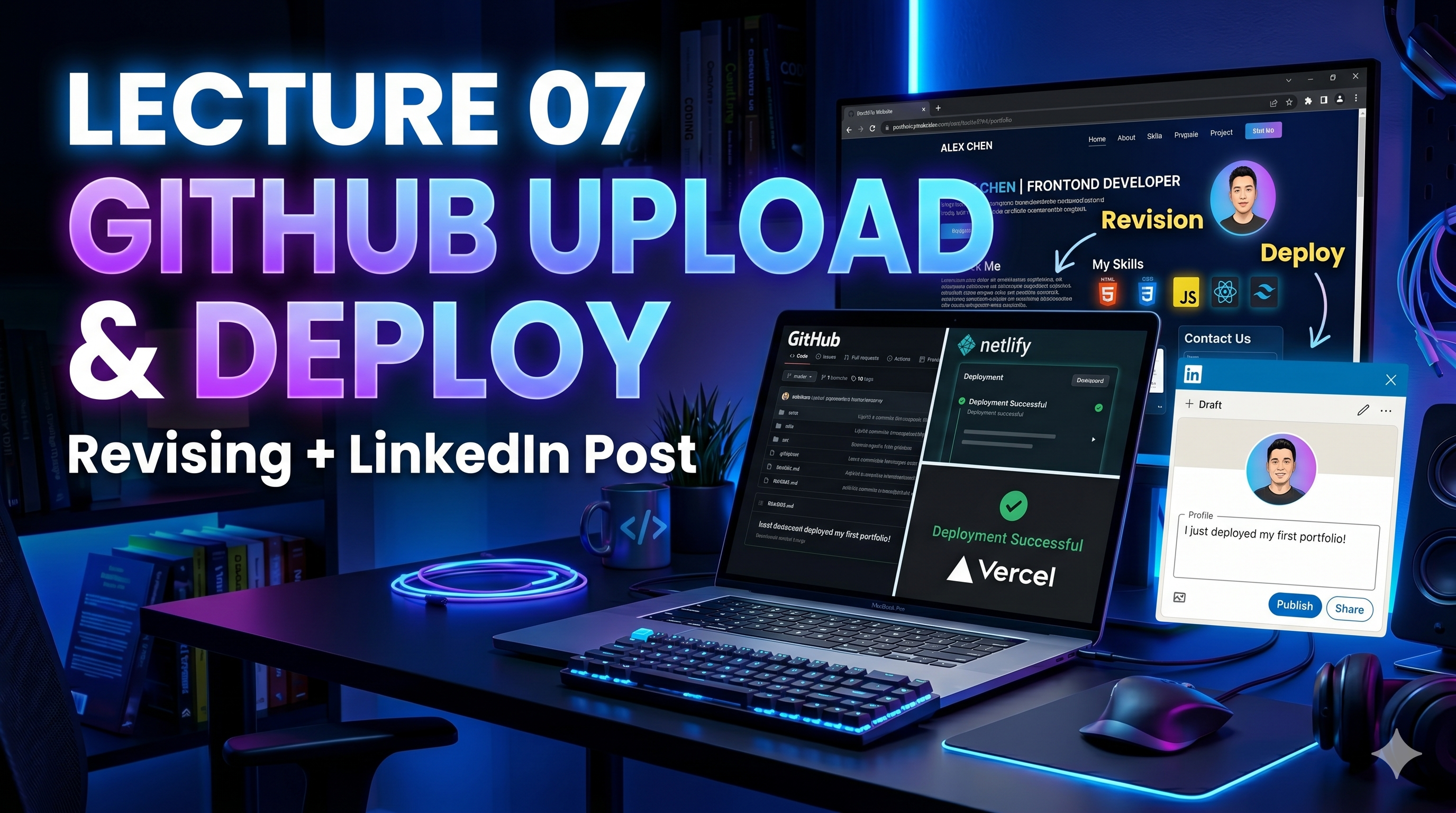
- Project Revision
- GitHub Upload Process
- Netlify Deployment
- Vercel Deployment
- Creating a Professional LinkedIn Post
- Building Your Developer Presence
Why This Step is Important
Many students learn coding but never upload their work.
Because of this:
- recruiters cannot see their projects
- clients cannot trust their skills
- internship opportunities are missed
Your project must be:
Built + Uploaded + Deployed + Shared
Only then it becomes valuable.
This is how professionals work.
Step 1 – Project Revision
Before uploading, revise your project carefully.
Check:
- spelling mistakes
- broken links
- image issues
- responsive design
- button functionality
- clean folder structure
Make sure your code looks professional.
A clean project creates a strong first impression.
Step 2 – GitHub Upload
What is GitHub?
GitHub is a platform where developers store and manage code.
Companies often ask for your GitHub profile during interviews.
This is your coding portfolio.
Basic GitHub Upload Steps
1. Create GitHub Account
Visit GitHub and create your account.
Use a professional username.
Example:
yourname-dev
2. Create New Repository
Click:
New Repository
Repository Name Example:
portfolio-website
Make it Public.
Click:
Create Repository
3. Upload Project Files
Click:
Upload Files
Drag and drop:
- index.html
- style.css
- images folder
Commit changes.
Done.
Your project is now online.
Step 3 – Deploy Website Using Netlify
What is Netlify?
Netlify helps you make your website live for free.
It gives you a public website link.
Example:
yourportfolio.netlify.app
Netlify Deployment Steps
1. Open Netlify
Login using GitHub.
2. Click Add New Site
Choose:
Deploy manually
3. Drag and Drop Project Folder
Done.
Your website becomes live instantly.
Very easy.
Step 4 – Deploy Using Vercel
What is Vercel?
Vercel is another popular deployment platform.
React developers use it heavily.
It also provides free hosting.
Vercel Deployment Steps
1. Login with GitHub
2. Import Project
3. Click Deploy
Done.
Your live project is ready.
Step 5 – Create LinkedIn Post
Why LinkedIn?
LinkedIn helps recruiters discover your work.
Posting your project improves:
- visibility
- opportunities
- networking
- internship chances
Never skip this step.
Example LinkedIn Post
🚀 Completed My First Portfolio Website Project!

As part of my 30-Day Web Development with AI journey,
I built and deployed my basic Portfolio Website using HTML and CSS.

What I learned:
✅ HTML Structure
✅ CSS Styling
✅ Responsive Design
✅ GitHub Upload
✅ Live Deployment using Netlify/Vercel

This is just the beginning of my frontend development journey.

GitHub Project Link:
[Your GitHub Link]

Live Website Link:
[Your Live Link]

#webdevelopment #frontenddeveloper #html #css #github #portfolio #learning #developer
Real Industry Importance
Companies check:
- GitHub profile
- live projects
- LinkedIn activity
before interviews.
Sometimes your portfolio gets you shortlisted before your resume.
That is how powerful this step is.
AI Prompt for Today
Use this prompt in ChatGPT:
Create a professional LinkedIn post for my portfolio website project with GitHub and deployment highlights
This helps you write better professional posts.
Homework Assignment
Complete all tasks:
Must Finish Today
- Upload Portfolio Project to GitHub
- Deploy on Netlify or Vercel
- Create LinkedIn Post
- Share Project Publicly
This is mandatory.
This makes you a real developer.
Bonus Task
Create:
GitHub Profile README
This makes your GitHub profile look professional and attractive.
Recruiters love this.
Conclusion
Today we learned:
- Project Revision
- GitHub Upload
- Netlify Deployment
- Vercel Deployment
- LinkedIn Post Creation
This is one of the most important career-building lectures.
Projects are powerful only when people can see them.
Build → Upload → Deploy → Share
This is the developer workflow.
In the next lecture, we will start:
Week 2 – JavaScript Mastery
Starting with:
Day 8 – JavaScript Basics
This is where real frontend development begins.
Keep building. Keep uploading. Keep growing.
See you in Lecture 08!