
Why College Students Need a Specialized AI Stack in 2026 (Introduction & BLUF)
College life in 2026 is faster, more intense, and demanding than ever before. Students are expected to balance scientific research, extensive essay writing, visual presentation decks, group assignments, and long lecture reviews. Relying on traditional passive study methods often leads to academic burnout. Fortunately, a powerful stack of 100% free AI tools exists to help students study smarter, not harder.
Instead of using a single tool like ChatGPT for every task, smart college students use a specialized stack of tools—each tailored for specific jobs like grammar editing, lecture transcription, PDF textbook reading, or slide layout generation. This increases study output and helps you master complex subjects efficiently.
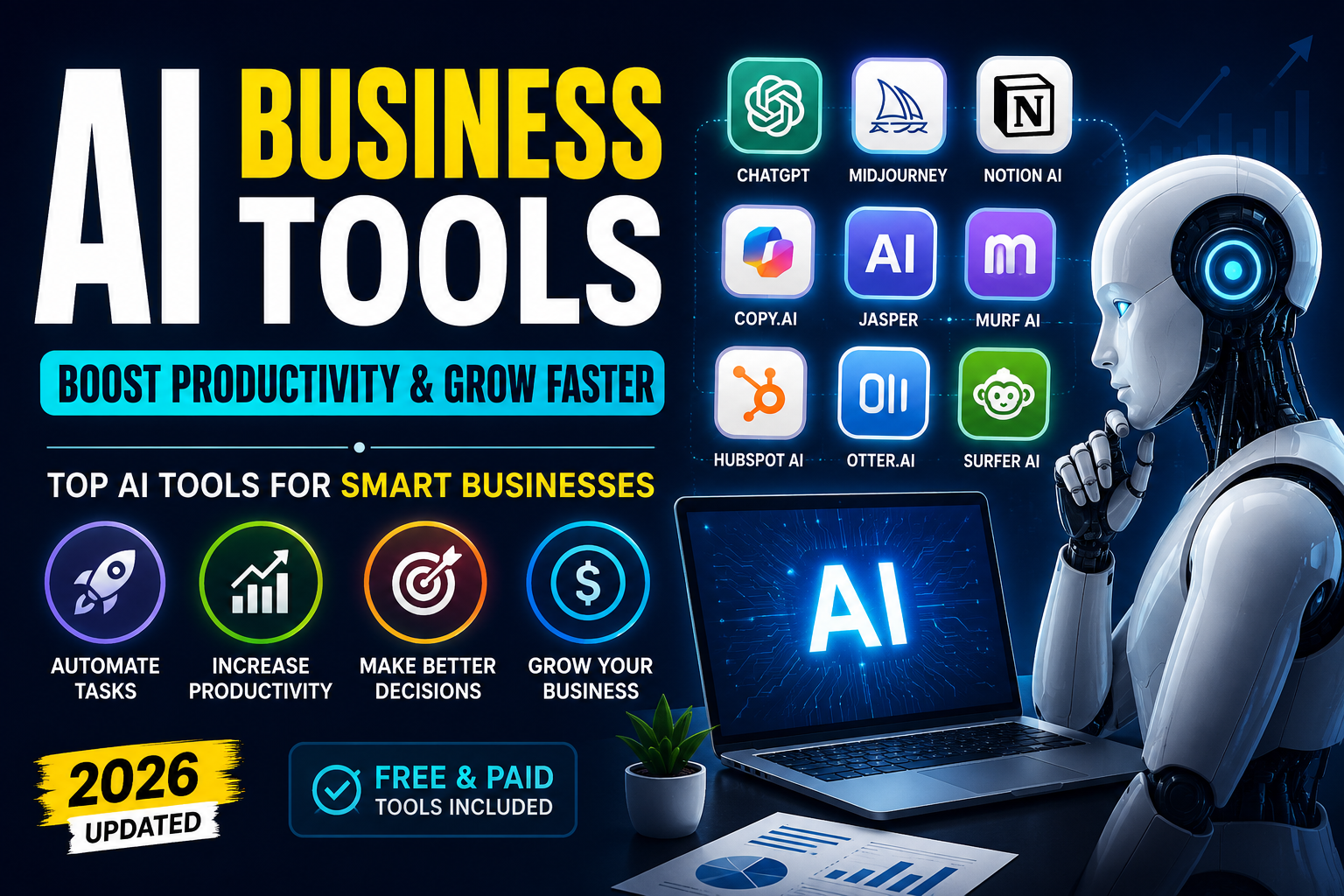
BLUF (Bottom Line Up Front): You can build a 100% free, elite AI study stack using ten tools. By integrating ChatGPT for quick concept breakdowns, Google Gemini for long document research, Canva AI for visual designs, Notion AI for study agendas, Perplexity AI for cited fact-checking, Grammarly for grammar checks, QuillBot for sentence rephrasing, PDFgear for textbook summaries, Gamma AI for automated slide decks, and Otter AI for lecture transcriptions, you can save 15+ hours weekly and achieve top grades.
To learn how to apply these workflows to broader academic and government exams, check out our guide on AI for Railway Exam Preparation 2026.
The 10-Tool Free College AI Matrix
Different academic tasks require different specialized AI features. Here is a comparative breakdown of the top 10 free AI websites for college students, outlining their primary functions, target outputs, and cost structures:
| AI Website / Tool | Primary Function | Best Academic Use Case | Cost Status |
|---|---|---|---|
| ChatGPT | Concept explanations, coding logic, math step solving | Virtual 24/7 personal tutor for technical subjects | Free (GPT-4o mini) |
| Google Gemini | Long-document research, literature reviews, transcript analysis | Analyzing complex research PDFs & long video transcripts | Free (Gemini 1.5 Flash) |
| Canva AI | Poster templates, visual asset generation, charts, magic edits | Designing classroom infographics, project report assets | Free basic tier |
| Notion AI | Notes compilation, study schedules, summarization | Organizing lecture notebooks and agendas in a central hub | Free tier / Student discount |
| Perplexity AI | Cited academic search, fact verification, real-time source logs | Finding verified, updated references and citations for essays | Free basic searches |
| Grammarly | Spelling correction, punctuation, sentence clarity editor | Refining college essays and reports for professional prose | Free basic tier |
| QuillBot | Paraphrasing sentences, vocabulary expansion, thesis rephrasing | Breaking writing monotony and rephrasing passive sentences | Free basic tier |
| PDFgear | Textbook summarization, text extraction, page editing | Querying and editing massive textbook files with zero limits | 100% Free |
| Gamma AI | Magic slide deck builder, website drafts, document frameworks | Generating styled presentation drafts from a single text prompt | Free basic tier |
| Otter AI | Audio recording, automated transcripts, keyword summaries | Transcribing lectures automatically to create written class notes | Free basic tier |
Integrating these websites into a cohesive stack allows you to manage any assignment efficiently. Now let's explore how to use each section of the stack.
Writing & Grammar: Grammarly & QuillBot (The Editing Duo)
Writing college-level essays requires precise grammar, correct spelling, and academic clarity. Combining Grammarly and QuillBot creates a powerful editing loop:
• Grammarly: Scans your draft for grammatical errors, passive voice issues, spelling mistakes, and structural flow, suggesting changes to make your writing sound professional and cohesive.
• QuillBot: If a paragraph sounds repetitive, QuillBot's paraphraser rewords it. It offers synonyms and restructures sentences while preserving the original meaning.
Use the prompt below in ChatGPT to structure your first essay draft before editing with Grammarly and QuillBot:
Academic Proofreader & Paraphrase Prompt
AI Prompt Box
Act as an expert academic editor. Evaluate the paragraph I paste below. Suggest changes to improve its flow, formal vocabulary, and structural clarity. Provide the following output:
1. **Grammar Correction:** Highlight any sentence errors or spelling issues.
2. **Academic Rephrase:** Provide 2 alternative versions of the text: one that is highly formal and academic, and one that is clear and direct.
3. **Vocabulary Boost:** Suggest 3 advanced synonyms for weak words used in my text, explaining their context.
Here is my text: [Insert Essay Paragraph]
Presentations & Transcriptions: Gamma AI & Otter AI
Classroom visual decks and note-taking are major time-sinks. Gamma AI and Otter AI solve these problems:
• Gamma AI (Slides): Input a outline or text prompt into Gamma, and it automatically designs a 10-slide presentation complete with themed structures, visual icons, card layouts, and image placeholders. This saves hours of manual template editing.
• Otter AI (Audio Notes): Otter records your lecture audio in real-time and transcribes it into text. It lists key concepts, timestamps, and matches speakers, giving you a full written transcript of everything the professor said.
Feed this prompt into ChatGPT or Gemini to summarize your Otter AI transcripts into a structured study guide:
Lecture Transcription & Slide Summary Prompt
AI Prompt Box
Act as a professional college notes compiler. I will paste my raw lecture transcript (from my Otter AI recording) below. Synthesize this transcript into a revision sheet. Follow this structure:
1. **BLUF (Bottom Line Up Front):** A 2-sentence summary of the main lecture theme.
2. **Key Concepts:** Detail 3 to 5 core topics explained in the lecture with definitions and formulas.
3. **Q&A Check:** Draft 3 common exam-style questions based on this lecture, along with detailed answers.
Here is the transcript: [Insert Lecture Transcript]
Research, Tutoring & PDFs: ChatGPT, Gemini, Perplexity & PDFgear
For technical assignments and literature reviews, this four-tool stack provides ultimate research capabilities:
• ChatGPT: Acts as a 24/7 conceptual tutor. Ask it to explain equations, programming logic, or scientific concepts step-by-step.
• Google Gemini: Use its huge context window to parse long research papers. Upload a 30-page research PDF and ask it to summarize the methodology.
• Perplexity AI: Replaces basic search. It returns direct answers with citation links (like Google Scholar or government databases), ensuring your references are factually correct.
• PDFgear: Drag in a 400-page textbook. Use its built-in AI chatbot to ask specific questions like: 'Explain the process detailed in Chapter 5' without character limits or subscriptions.
Copy this prompt to run an advanced literature review or textbook search:
Advanced Literature Review Prompt
AI Prompt Box
Act as an academic research assistant. I need to run a literature review on the topic: [Insert Research Topic, e.g., The Efficacy of Renewable Energy Grid Integration]. Generate a research outline containing:
1. **Key Search Terms:** 5 high-yield search queries for Google Scholar or academic databases.
2. **Core Theories:** Outline 3 major theoretical models or previous studies related to this topic.
3. **Methodology Matrix:** Explain the standard methodologies (e.g., qualitative vs quantitative variables) used to analyze this topic.
4. **Discussion Points:** List 3 major open debates or research gaps in this field.
The 30-Day College Student AI Timetable
To master this 10-tool study stack, follow this actionable 30-day week-by-week planner:
| Phase / Week | Syllabus Focus | AI Tool Integration | Weekly Academic Goal |
|---|---|---|---|
| Week 1 (Days 1-7) | Lecture transcribing & notes templates | Use **Otter AI** to capture class audio; compile summaries in **Notion AI** | Establish a central notes dashboard and capture 100% of lecture details |
| Week 2 (Days 8-15) | Textbook parsing & literature search | Query textbooks in **PDFgear**; search cited literature with **Perplexity AI** | Extract summaries from 3+ heavy textbook chapters and build reference lists |
| Week 3 (Days 16-22) | Essay writing & slide drafting | Generate outlines with **ChatGPT**; rephrase with **QuillBot**; edit with **Grammarly** | Complete essay drafts and prepare presentation templates in **Gamma AI** |
| Week 4 (Days 23-30) | Exam review & mock drills | Create active recall quizzes in **ChatGPT**; upload test errors to **Gemini** | Run mock revision loops and raise test score accuracy to 90%+ |
Following this progressive structure helps you build efficient study habits. To see how to combine these tools with broader coding and writing capabilities, check out our guide on Best Free Claude & GPT-4o Alternatives.
5 Critical Mistakes College Students Make with AI
Using AI incorrectly can lead to academic integrity issues and bad grades. Avoid these 5 common mistakes:
1. Academic Plagiarism (Direct Copying): Submitting AI-generated essays directly is academic fraud. University systems check for AI signatures. Use AI for outlines, rephrasing, and brainstorming, but write the final sentences yourself.
2. Ignoring Hallucinations: LLMs are language processors and can make up references, dates, and statistics. Always verify citations and formulas manually before turning in work.
3. Ignoring University AI Policies: Different professors have different rules on AI. Always read your course syllabus to check if AI assistants are allowed for specific assignments.
4. Passive Relying: Letting AI summarize reading material is helpful, but you must actively solve practice problems and write code manually to pass closed-book university exams.
5. Using Outdated Datasets for GK: Many models do not search the web in real-time. For current events, economic models, or modern research papers, verify updates using Perplexity AI citations.
Frequently Asked Questions (FAQs)
Q: Are these AI tools completely free to use? - A: Yes. All 10 tools mentioned have generous free tiers or are 100% free (like PDFgear). You do not need a paid subscription to use them.
Q: Is Otter AI safe to record my university lectures? - A: Yes. However, always ask your professor for permission before recording lecture audio, as some universities have strict privacy or intellectual property rules.
Q: How does Gamma AI credit system work for students? - A: Gamma AI gives you free credits upon signup. You can earn additional credits by referring classmates, which is usually enough for a student's semester slides.
Q: Can PDFgear OCR read scanned textbook pages? - A: Yes. PDFgear has built-in OCR that processes scanned text, allowing you to search, copy, and query scanned textbooks with the AI chatbot.
Q: Which is better for research: ChatGPT or Perplexity AI? - A: Perplexity AI is far better for initial research because it provides active citations and source links for every claim it makes. ChatGPT is better for organizing those research findings into drafts.
Final Verdict & Call to Action (CTA)
Cracking college academic requirements in 2026 is about studying smarter, not working harder. Free AI tools like ChatGPT, Gemini, Canva AI, Notion, Perplexity, Grammarly, QuillBot, PDFgear, Gamma, and Otter AI act as your personalized academic assistants. Avoid passive reading; always write your own papers, verify citations, and practice math concepts manually.
Your Next Step: Sign up for Gamma AI, paste in a simple essay topic, and generate a 10-slide draft presentation outline in seconds. Take charge of your study habits and achieve top grades!
For more resources on using AI for skill building, read our guide on How to Improve English Speaking with AI to fast-track your personal growth.