Introduction
Removing a background no longer needs Photoshop or advanced editing skills.
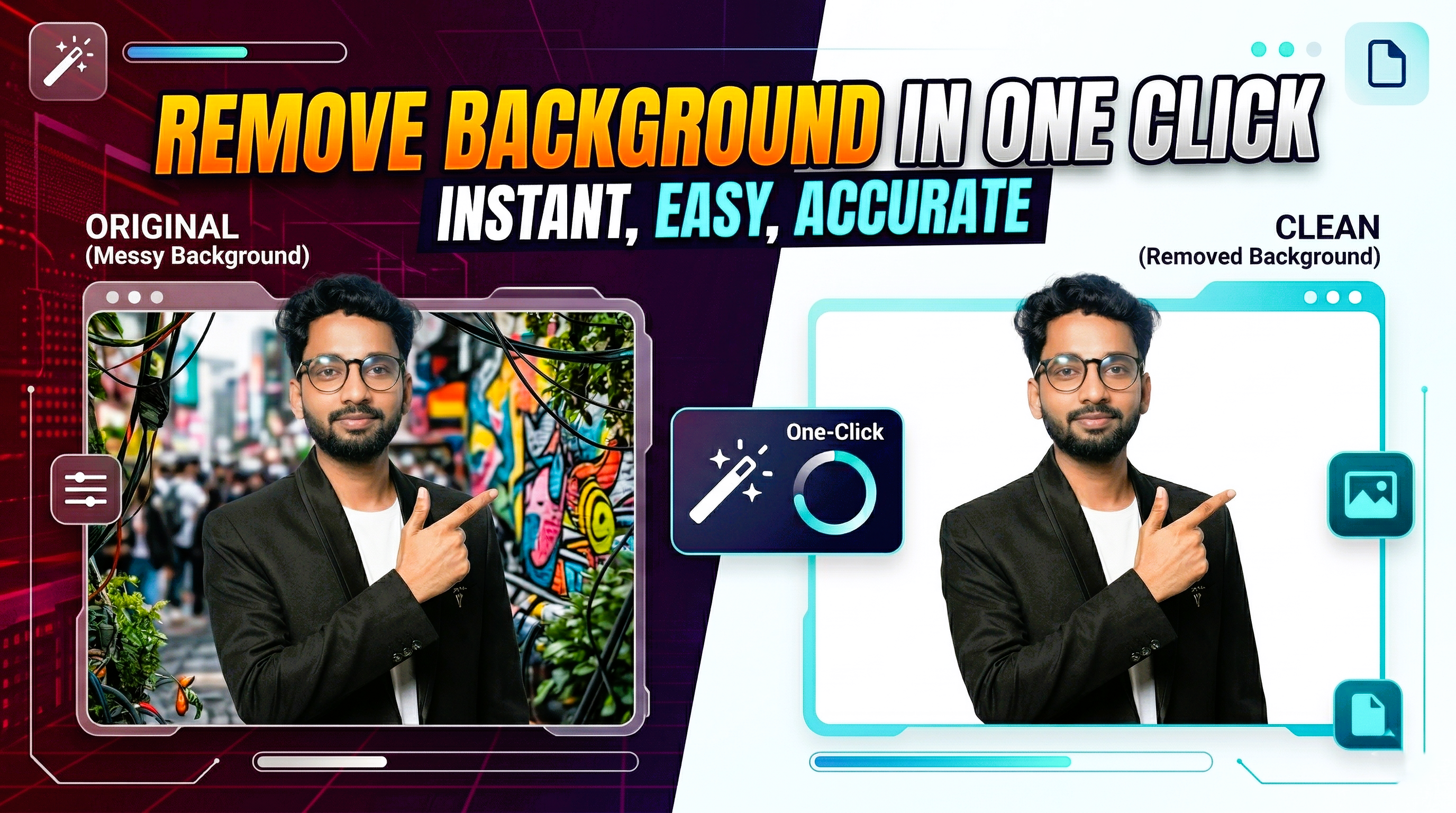
In 2026, free background remover tools have become fast, accurate, and easy enough for anyone to use. Whether you want a clean product photo, a profile image, or a social media design, AI tools can remove the background in one click.
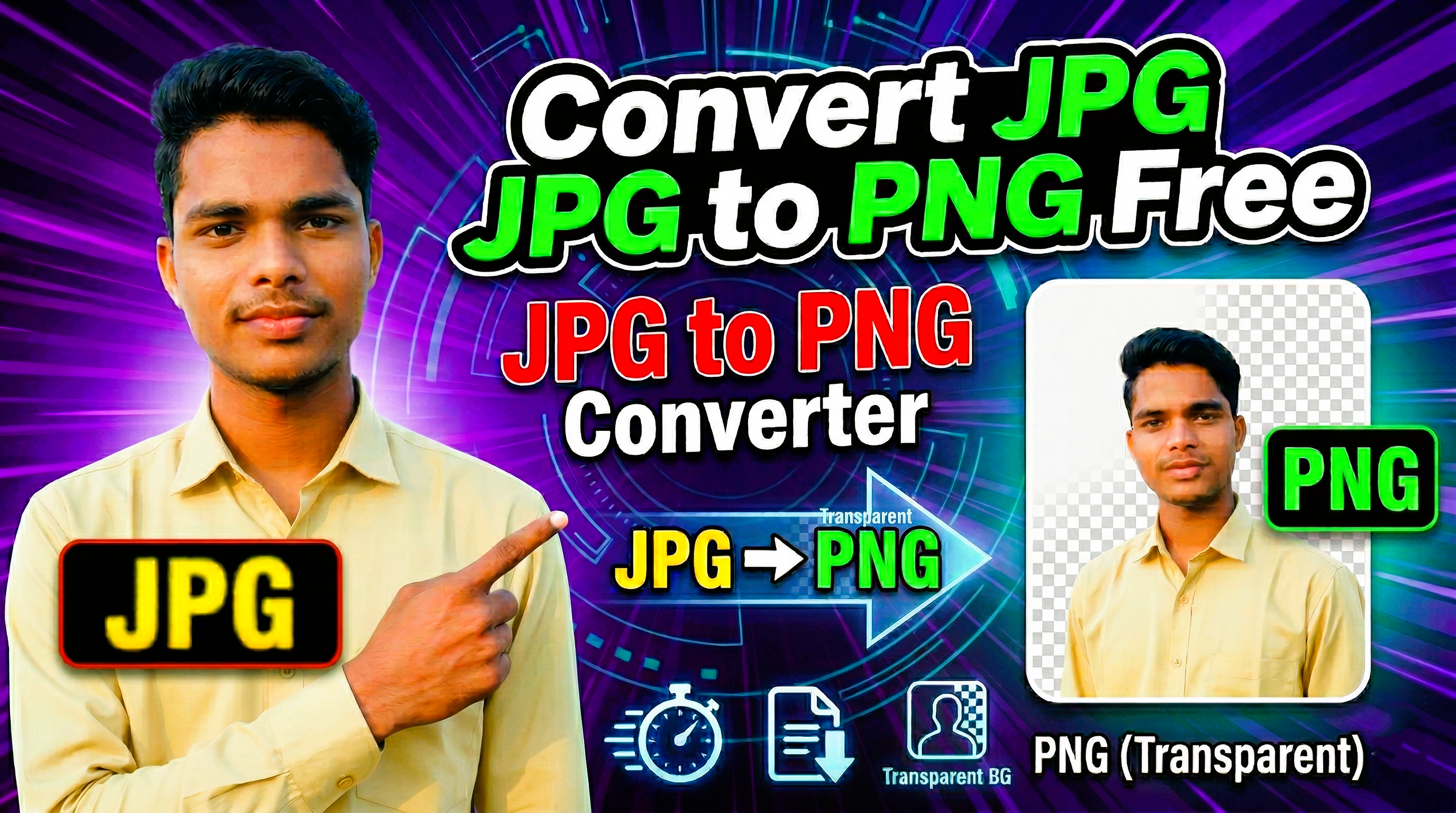
The best part is that most online tools work directly in the browser. You upload your image, wait a few seconds, and download a transparent PNG without learning any complicated workflow.
Methods
Use online tools or AI-first editors depending on how much control you need.
Online tools are the fastest option. Sites like remove.bg, Adobe Express background remover, Canva background remover, and similar web apps are ideal when you want quick results. They detect the subject automatically and remove the background with minimal effort.
AI tools with editing features are better when the image needs cleanup after the cutout. These platforms let you refine edges, erase unwanted parts, change the background color, or place the subject into a new scene. If you are editing product photos or creator thumbnails, this extra control is useful.
Tips
A cleaner source image always produces a better cutout.
Use bright, sharp images where the subject is clearly separated from the background. Hair, transparent objects, and dark-on-dark scenes are still harder for AI tools, so better source quality saves time.
Always preview the edges before downloading. If the tool leaves rough outlines, try the refine option or upload a larger resolution file. For professional work, export in PNG so transparency remains intact.
Conclusion
If you need a free and easy method in 2026, online AI background removers are the fastest solution. They are simple enough for beginners and fast enough for regular content workflows.
For most users, the best workflow is upload, remove, refine, and download. Start with a free browser tool, then move to a more advanced AI editor only if you need better edge correction or design control.